
AI Basics · Beginner course
AI Fundamentals
Learn what AI is, how it works, and how to use it safely and well at work. In eight short video lessons, you'll learn how tools like ChatGPT, Claude and Gemini come up with their answers, how to keep your data safe, and how to write good prompts and check the results. No technical background needed.
5.0 learner rating
- 8 video lessons
- 67 min of video
- Self-paced
- Certificate
Cancel anytime.
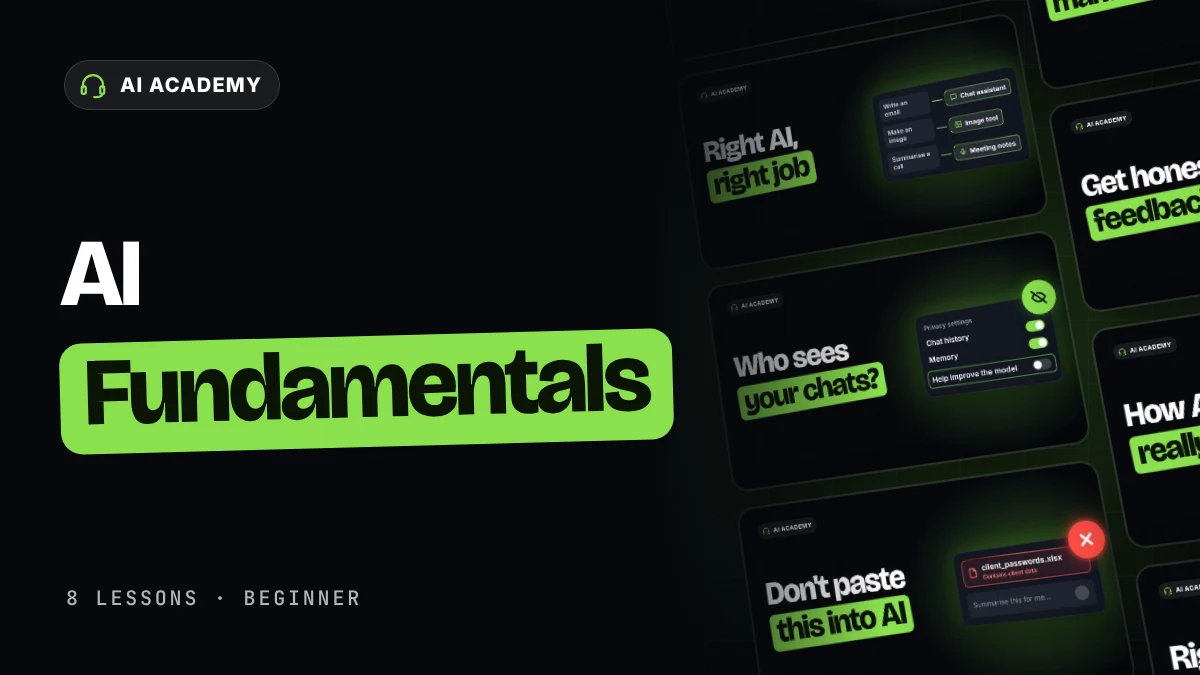
What you’ll be able to do
Use AI at work with confidence, and know when to check it.
- Lessons 1–2
Understand it
Know how AI writes its answers, and which kind of tool fits each job.
- Lessons 3–4
Use it safely
Set up your AI tool, and decide what information you can share.
- Lessons 5–6
Get better answers
Write clear prompts, and keep long chats on track.
- Lessons 7–8
Check before you trust
Catch made-up facts and flattering feedback before anything goes out.
Curriculum
8 short lessons. One real task from your own work.
Each lesson is a short video and a quick check. Your progress is saved at every step.
8 lessons · 67 min of video · 6 assignments · final exam
- Lesson 1: How does AI work?How AI learns and generates answers, and why it sometimes gets things wrong.7 min
- Lesson 2: How to choose the right AI toolWhich types of AI tools to use for different tasks.6 min
- Lesson 3: How to set up your AI tool safelyProtect your privacy by understanding how AI uses your data.10 min
- Lesson 4: How to keep client data safeWhat you can share with AI and how to protect client information.10 min
- Lesson 5: How to write a good promptFive building blocks for prompts that get better results.5 min
- Lesson 6: What is a context window?Why long chats get less reliable, and how to keep AI focused.9 min
- Lesson 7: How to catch AI hallucinationsWhy AI makes things up and how to verify its answers.9 min
- Lesson 8: Can you trust AI's judgment?Recognize bias and people-pleasing before acting on AI advice.11 min
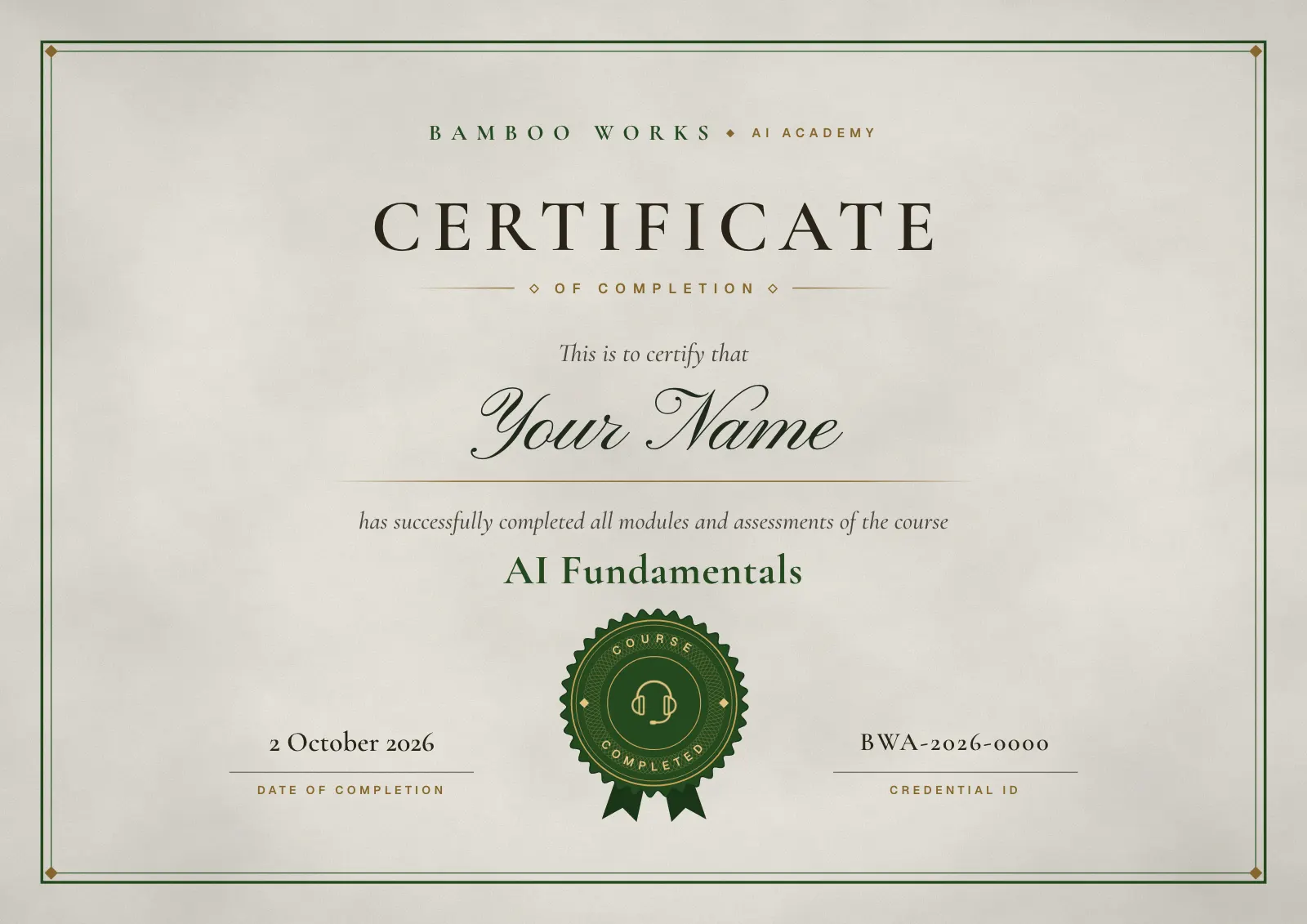
Certificate
Show that you use AI safely and well.
Every certificate has its own credential ID and a page anyone can open to check it. Add it to LinkedIn in one click.
- CompletePass the final exam.
- Practitioner levelAlso get every assignment approved.
From learners
What learners say.
“The AI Academy helped me become more intentional with how I use AI, from structuring better prompts to speeding up brainstorming and research. Even though I’ve been using AI for years, I still picked up new ways of working that save me time and give me more room to focus on strategy.”
Isabel GSocial Media Manager
“The AI Academy gave me a better understanding of how to use AI tools effectively in my day-to-day work. It has helped me speed up tasks like research while making my workflow more efficient.”
Francine SSocial Media Strategist
“I thought I already knew how to use AI, but the AI Academy showed me better ways to use it more effectively and efficiently. I especially found the lessons on context and prompting useful for my day-to-day work and automating repetitive tasks. Definitely worth it!”
Issha MOperations Assistant
“AI Academy helped me understand how to write better prompts and get more useful answers from AI, especially when solving accounting problems and finding solutions at work. It’s a great, easy-to-follow learning resource with valuable insights into AI and automation”
Christian BBookkeeper
“The Claude course helped me build automations that handle repetitive tasks in my daily workflow. I’m now saving time every week and getting more done with less manual work.”
Sophie MOperations Specialist
“Learning to build Claude Skills transformed my bookkeeping workflow. My automated invoice process now saves me around 10 hours a month. A practical course with immediate real-world value!”
Daniel RAccountant
Pricing
Simple pricing. Every course included.
Cancel anytime
Every plan includes
- All-in-one platform
- Every course, new modules weekly
- Hands-on assignments with feedback
- Skills & Prompt Library and AI tools
- Medals and certificates
FAQ
Questions about AI Fundamentals.
Which AI tool do I need?
Any of the big AI assistants works, such as ChatGPT, Claude or Gemini, on a free or paid plan. The course teaches you how these tools work and how to choose the right one for each job.
How long does it take?
There are 8 lessons with about 67 minutes of video, plus quick checks and assignments. Your progress is saved at every step, so you can learn around your workday.
Is it for complete beginners?
Yes. It’s a beginner course and needs no technical background. It also covers what experienced users often miss, such as keeping client data safe and checking answers before they go out.
Is there a free trial?
Yes. Monthly and Yearly start with a 3-day free trial for new members. You add your card when you sign up, and you’re only charged when the trial ends. Cancel before then and you pay nothing.
Can I cancel or switch plans?
Yes. You can cancel or switch plans at any time from your billing page, and you keep access until the end of your current billing period.
Also in your plan
Ready for more? Learn Claude next.
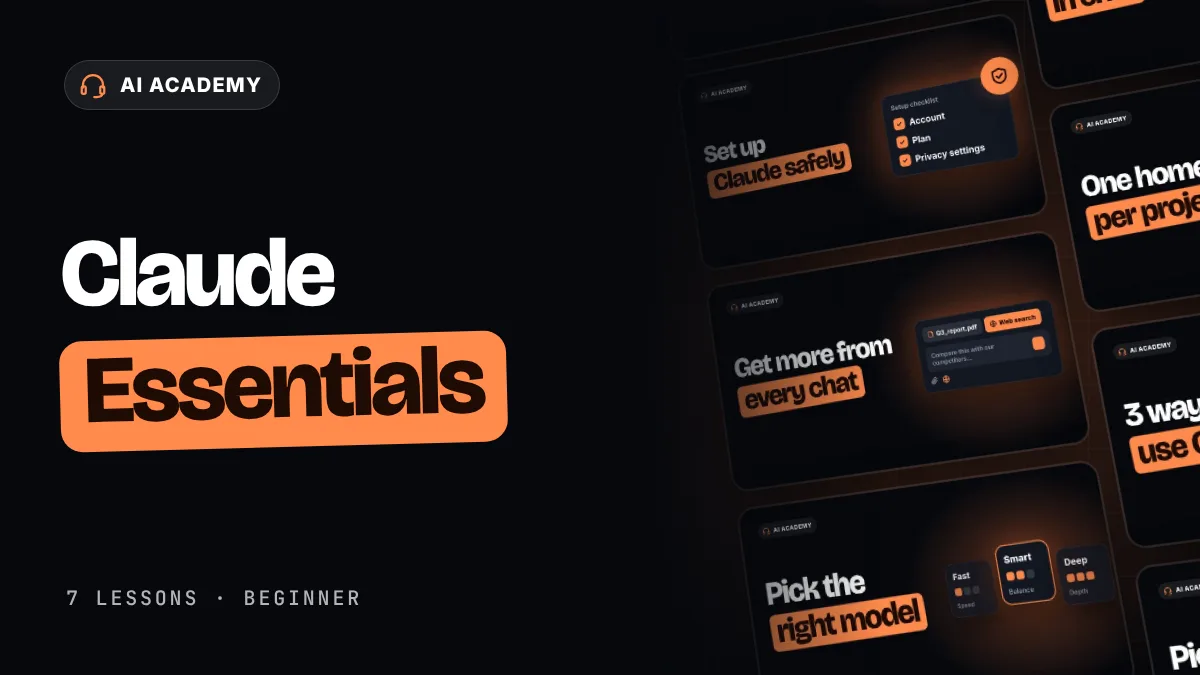 AI Tools · BeginnerClaude EssentialsLearn to use Claude effectively and safely at work. 7 lessons, about 39 minutes.View the course
Ready when you are
Start using AI with confidence.
Start AI Fundamentals today. Lesson 1 takes about 7 minutes.